
Video Maker Pro

- Description
- Reviews
- FAQ
Transform Your Content into Engaging Videos with Video Maker Pro
Are you struggling to create professional videos for your website or social media? Video creation is often expensive, time-consuming, and requires complex software. Video Maker Pro is the ultimate solution, bringing a powerful AI-driven video editor directly into your WordPress dashboard.
This revolutionary plugin allows you to convert blog posts into dynamic videos, create engaging social media content from scratch, and leverage a massive library of stock media without ever leaving your site. Stop wasting hours on complicated tools and start producing high-quality video content in minutes.
Why Video Maker Pro is Your Ultimate Content Creation Tool
Video Maker Pro isn’t just another plugin; it’s a complete video marketing suite for WordPress. It empowers you to capture audience attention, boost engagement, and drive traffic with visually stunning videos. Here’s what makes it an essential tool for any modern website.
- AI-Powered Video Generation: Automatically create videos from your existing blog posts, text scripts, or any URL. The AI intelligently selects scenes and media for you.
- Massive Integrated Stock Media Library: Gain instant access to millions of premium, royalty-free images and video clips from Pexels and Pixabay right inside the editor.
- Advanced Text-to-Speech (TTS): Generate natural-sounding voiceovers in hundreds of voices across dozens of languages. No need to record your own audio.
- Full Customization & Branding: Add your own logo, watermarks, text overlays, and custom background music to ensure every video aligns with your brand identity.
- Multiple Video Formats & Aspect Ratios: Effortlessly create videos for any platform, including landscape (16:9) for YouTube, vertical (9:16) for Reels & Shorts, and square (1:1) for social feeds.
- Seamless WordPress Integration: Works directly within your WordPress dashboard. Manage, create, and embed videos without needing any external software or accounts.
- Content Repurposing Made Easy: Breathe new life into old blog posts by transforming them into engaging videos, maximizing the ROI of your existing content.
A Deeper Dive into Video Maker Pro’s Power
Let’s explore the core features that set Video Maker Pro apart. These three pillars of functionality are what make it the most powerful and intuitive WordPress video editor on the market.
Revolutionary AI Video Generation (Text-to-Video)
The true magic of Video Maker Pro lies in its artificial intelligence engine. It completely removes the friction from the creative process. You can simply provide a script, a block of text, or even just the URL of an existing blog post.
The AI then gets to work. It analyzes your content, breaks it down into logical scenes, and automatically searches the vast stock media library to find relevant video clips and images. This automated process gives you a complete video draft in seconds, which you can then fine-tune to perfection.
Unlimited Creativity with a Built-in Media Library
Finding the right visuals is one of the biggest challenges in video production. Video Maker Pro solves this by integrating directly with massive, royalty-free stock media providers. You no longer need to open dozens of tabs to find and download footage.
- Search millions of high-resolution video clips and images without leaving WordPress.
- Filter by keyword, orientation, and color to find the perfect asset.
- All media is royalty-free, so you can use it commercially without worry.
- Drag and drop media directly onto your video timeline for an intuitive editing experience.
Professional Voiceovers with Advanced Text-to-Speech (TTS)
A great video needs great audio. If you don’t have a professional microphone or are not comfortable recording your own voice, the built-in Text-to-Speech (TTS) engine is a game-changer. It uses advanced neural networks to produce incredibly human-like voices.
Simply paste your script for each scene, and choose from hundreds of different voices and accents across numerous languages. You can adjust the speed and pitch to match the tone of your video. This feature alone saves you hundreds of dollars on professional voiceover artists.
Who Can Benefit from Video Maker Pro?
This versatile tool is designed for anyone looking to leverage the power of video marketing without the steep learning curve or high costs. It’s a perfect fit for a wide range of users.
For Content Creators & Bloggers
Repurpose your most popular articles into engaging YouTube videos, Instagram Reels, or TikToks. Grow your audience on new platforms and drive more traffic back to your blog by creating summary videos or visual tutorials based on your written content.
For Digital Marketing Agencies
Streamline your content workflow and deliver incredible value to your clients. Quickly produce social media video ads, promotional content, and explainer videos at scale. The freedom to use the plugin on multiple client sites makes it an incredibly cost-effective solution.
For E-commerce Store Owners
Create eye-catching product demo videos, video testimonials, or promotional ads for your products. Use video to showcase your items in action, driving higher conversion rates and reducing cart abandonment. Embed videos directly on your WooCommerce or Shopify product pages.
For Small Business Owners
Compete with larger brands by creating a professional video presence without a big budget. Produce videos for your services, share customer success stories, and create branded content for your local market. Video Maker Pro puts a full production studio at your fingertips.
The Smart Choice: Get Video Maker Pro with GPL Freedom
Why pay for expensive annual subscriptions or restrictive per-site licenses? Our version of Video Maker Pro offers a smarter, more affordable path to professional video creation. We provide you with the exact same premium plugin, but with benefits you won’t find elsewhere.
This is possible because Video Maker Pro is developed under the GNU General Public License (GPL). This gives you the freedom to use the software how you see fit. We simply pass that freedom and cost savings on to you.
- Unbeatable Price: Get the full-featured, premium plugin for a fraction of the original developer’s price.
- Freedom to Use: Use the plugin on as many websites as you like, including your own projects and client sites. No more buying multiple licenses.
- Safe and Secure Code: You receive the original, untouched code. We don’t alter the plugin files, ensuring they are secure and function exactly as intended.
- No Subscriptions: Pay once and use it forever. Say goodbye to recurring fees that drain your budget.
Frequently Asked Questions about Video Maker Pro
Does Video Maker Pro work with the latest version of WordPress?
Yes. We ensure that our plugins are tested and confirmed to be compatible with the latest stable version of WordPress. Video Maker Pro is designed to integrate seamlessly with the modern WordPress environment, including the Block Editor (Gutenberg).
Can I use my own images and video clips?
Absolutely. While the integrated stock media library is a powerful feature, you have complete freedom to upload and use your own media. You can easily import images, video clips, and audio files from your WordPress Media Library directly into your Video Maker Pro projects.
Will I receive updates for Video Maker Pro?
Yes. As a customer, you will have access to updates for one year from the date of purchase. We regularly check for new versions from the original developer and make them available to you in your account dashboard. This ensures your plugin remains secure and feature-rich.
Does the text-to-speech support languages other than English?
Yes, the text-to-speech engine is incredibly robust and supports a wide variety of languages and accents. This allows you to create video content for global audiences without needing to hire multilingual voice actors. You can select the language and voice profile that best suits your target market.
Why is this version so much more affordable?
Our business model is built around the GPL license, which allows for the redistribution of open-source software. We purchase the plugin from the developer and then pass the savings on to you. You get the same powerful tool without paying for the developer’s premium support, which many users don’t need.
Can I create vertical videos for Instagram Reels and YouTube Shorts?
Definitely. Video Maker Pro is built for the modern social media landscape. It includes pre-set aspect ratios for all major platforms, including vertical (9:16), square (1:1), and standard landscape (16:9). You can create a single project and easily export it in multiple formats for different channels.
Is the code in this plugin safe to use on my website?
Yes, 100%. The files you download from us are the original, untouched code from the official developer. We do not inject any malware, ads, or modified code. You are getting the authentic, secure plugin, just under the freedom of the GPL.
Is Video Maker Pro compatible with page builders like Elementor or Divi?
Video Maker Pro works independently within the WordPress dashboard to create and render videos. Once a video is created, you can download the MP4 file and embed it anywhere on your site using your favorite page builder’s video widget or element. You can also embed it using the standard WordPress editor.
Q: Do I need a license key?
A: No. All products are Pre-Activated. You can use 100% of the Premium features immediately.
Q: Can I use the One-Click Demo Import?
A: Yes, absolutely! We ensure the demo import feature works perfectly.
Q: Can I use the products on multiple websites?
A: Absolutely. The GPL license allows use on unlimited domains.
Q: Are the files safe?
A: Yes. All files are scanned by McAfee and VirusTotal before uploading.
Share Now!
Related Products
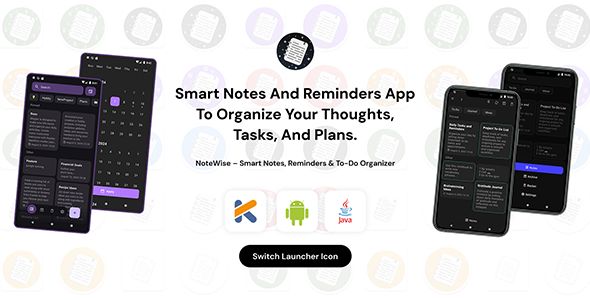 NoteWise – Smart Notes, Reminders & To-Do Organizer Android$4.99
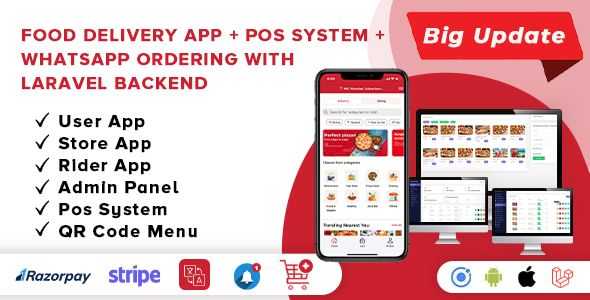 Food Delivery App – A Complete Ready to Use MultiStore Mobile App(Android, ios) + Website$5.00
 Unity Game Template – Miniman Defender (Unity 6!)$8.00
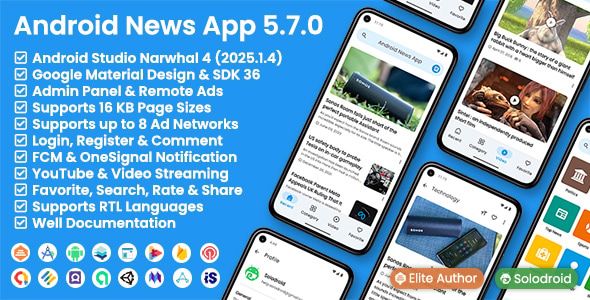 Android News App$5.00
 On Demand Pharmacy Delivery with Medicine Delivery and Upload Prescription App with 2 Apps & Admin$5.00



Related Products
Same Contributor


Featured Products


