
Filo – Smart File Manager & Media Explorer Android App

- Description
- Reviews
- FAQ
Unlock the Power of File Management with Filo
Managing digital storage on mobile devices is often a chaotic experience for users. Filo – Smart File Manager & Media Explorer Android App provides a sophisticated solution to this common problem. It offers a clean, intuitive interface that makes organizing files effortless.
For developers and agencies, this source code represents a significant shortcut to the Google Play Store. Instead of building a complex file architecture from scratch, you can start with a robust foundation. This app is designed to handle everything from basic file operations to advanced storage analysis.
Whether you are looking to reskin a high-quality app or add file management features to an existing project, Filo delivers. It combines performance with a modern Material Design aesthetic.
Top Features of Filo Android App
This application is packed with utilities designed to enhance user experience and maximize retention. Here is what makes this source code stand out:
- Comprehensive File Operations: Supports Copy, Move, Cut, Paste, Rename, and Delete functionality out of the box.
- Smart Category View: Automatically sorts files into Images, Videos, Audio, Documents, and Archives for quick access.
- Storage Analyzer: Visualizes storage usage to help users identify large files and free up space.
- Built-in Media Viewers: Includes a dedicated image gallery, video player, and music player, eliminating the need for external apps.
- AdMob Integration: Pre-configured ad placements (Banner, Interstitial) to help you monetize your app immediately.
- Recent Files Access: A dashboard widget that shows the most recently added or modified files.
- Dark Mode Support: Fully compatible with system-wide dark themes for comfortable night usage.
In-Depth Feature Analysis
To truly understand the value of the Filo – Smart File Manager & Media Explorer Android App, we must look closer at its core capabilities. These features define its competitive edge in the crowded utility app market.
1. Intelligent Storage Analysis & Cleaning
One of the primary reasons users download file managers is to clear up space. Filo includes a powerful storage analysis engine. It scans both internal storage and SD cards rapidly.
The app presents a clear breakdown of what is consuming space. It highlights duplicate files, large media files, and redundant downloads. This visual approach empowers users to clean their devices with confidence, ensuring they never delete essential system files by mistake.
2. Seamless Media Exploration
Filo is not just a file browser; it is a media consumption hub. The integrated media explorer separates content by type rather than folder location. Users can view all their photos in a timeline view, regardless of where they are stored.
The built-in video and audio players support major formats. This ensures a frictionless experience where users stay inside the app longer. Higher session times signal quality to the Google Play algorithm, potentially boosting your app’s ranking.
3. Developer-Friendly Source Code
For the purchaser, the code quality is just as important as the user interface. This project is built using modern Android standards (Java/Kotlin) and is compatible with the latest Android Studio versions.
The code is well-commented and structured modularly. This makes reskinning the app—changing colors, icons, and strings—a fast process. You can customize the branding and launch your unique version of a file manager in a fraction of the time it takes to code one.
Who Should Use This Source Code?
This product is versatile and serves various professionals in the app development space:
- App Reskinners: Entrepreneurs looking for a high-quality, bug-free template to publish quickly on the Play Store.
- Freelance Developers: Professionals who need a base code to deliver a file management solution to a client with a tight deadline.
- Digital Agencies: Teams that want to expand their portfolio with a utility tool without dedicating months to backend development.
- Students & Learners: Those wanting to study how professional file operations and storage permissions are handled in modern Android development.
Why Download Filo Here?
Developing a file manager from scratch requires handling complex Android storage permissions and file APIs. It can cost thousands of dollars in development hours. By downloading Filo – Smart File Manager & Media Explorer Android App here, you bypass these costs.
We provide you with the freedom to experiment. Under the GPL philosophy, you have the right to study the code, modify it to fit your specific needs, and use it for your projects. This is the most cost-effective way to acquire premium-grade software architecture.
Frequently Asked Questions
Does Filo work with the latest version of Android Studio?
Yes, the source code is regularly updated to ensure compatibility with the latest stable releases of Android Studio. It utilizes modern Gradle plugins and dependencies to ensure a smooth build process.
How do I monetize the Filo app?
The app comes pre-integrated with AdMob SDK. You simply need to add your own Ad Unit IDs in the configuration file to start serving banner and interstitial ads to your users.
Is it safe to use this source code for my project?
Absolutely. The code is clean and free from malicious backdoors. Since you get the full source code, you can inspect every line before compiling your APK, giving you total control over security.
Does the file manager support hidden files?
Yes, Filo includes a settings toggle that allows users to view or hide system files and folders that start with a dot. This is a standard feature expected by advanced Android users.
Can I translate the app into other languages?
Yes, the app uses standard Android string resources (`strings.xml`). You can easily add new language files to localize the app for different global markets.
Q: Do I need a license key?
A: No. All products are Pre-Activated. You can use 100% of the Premium features immediately.
Q: Can I use the One-Click Demo Import?
A: Yes, absolutely! We ensure the demo import feature works perfectly.
Q: Can I use the products on multiple websites?
A: Absolutely. The GPL license allows use on unlimited domains.
Q: Are the files safe?
A: Yes. All files are scanned by McAfee and VirusTotal before uploading.
Share Now!
Related Products
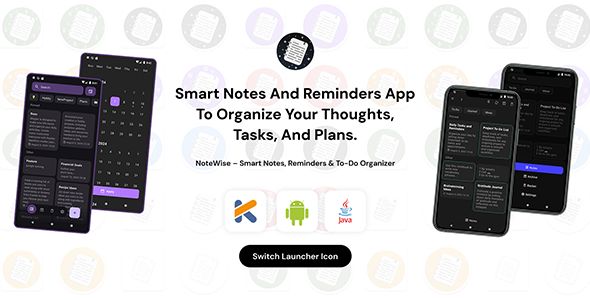 NoteWise – Smart Notes, Reminders & To-Do Organizer Android$4.99
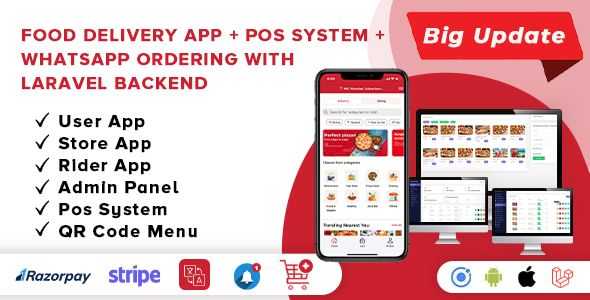 Food Delivery App – A Complete Ready to Use MultiStore Mobile App(Android, ios) + Website$5.00
 Unity Game Template – Miniman Defender (Unity 6!)$8.00
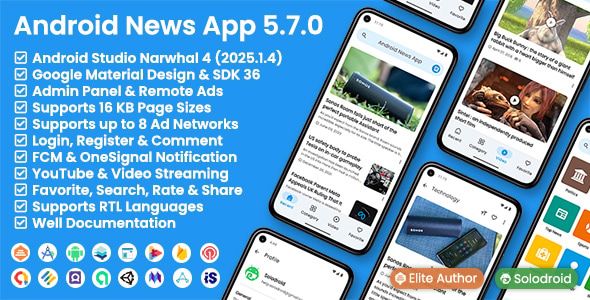 Android News App$5.00
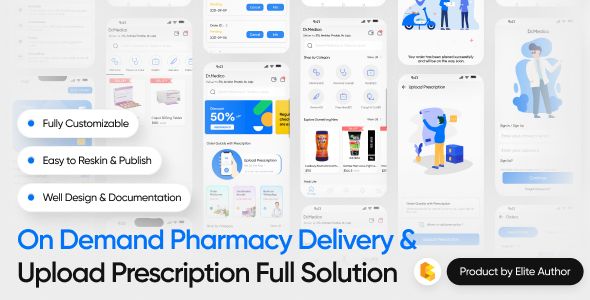 On Demand Pharmacy Delivery with Medicine Delivery and Upload Prescription App with 2 Apps & Admin$5.00



Related Products
Same Contributor


Featured Products


